
Download Root Explorer – file manager, root access, Android file management, file explorer, system files, root tools, file tools, root file manager, manage files, file tools
Overview
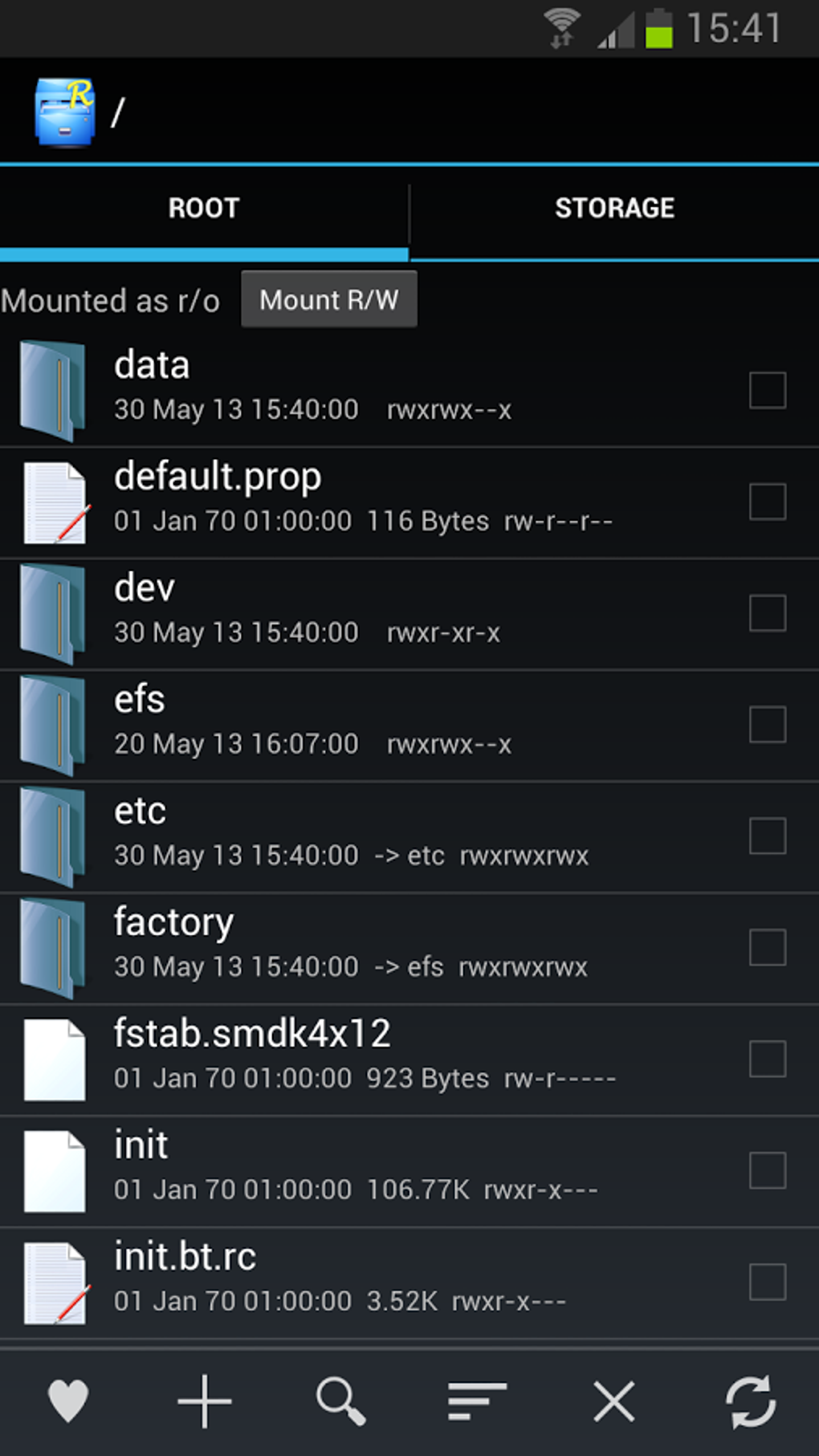
Root Explorer is a desktop-compatible utility designed to enhance file management on Android devices. The software provides users with advanced control over their device’s file system, particularly for those who have root access. Its primary purpose is to simplify the navigation, editing, and manipulation of system files, which are typically restricted on standard Android devices. This makes it especially valuable for power users, developers, and tech enthusiasts who require granular access to their device’s internal structure.
Root Explorer addresses the challenge of managing deeply embedded system files, app data, and configuration settings that are otherwise inaccessible through standard file explorers. It enables users to perform tasks such as modifying system configurations, backing up critical files, and troubleshooting device issues by directly accessing the root directory. The software is tailored for users with technical experience, particularly those who have rooted their Android devices and need a reliable tool to manage their file system efficiently.
While the software is marketed as a powerful file management tool, the developer did not provide additional information about the target user base beyond its technical focus. Real-world usage scenarios include system optimization, app customization, and advanced troubleshooting. Users who are not familiar with Android’s root environment may find the tool challenging to use without prior experience.
Key Features & Capabilities
- Root Access Integration: Allows full access to the Android system’s root directory, enabling users to view, edit, and manage system-level files and folders.
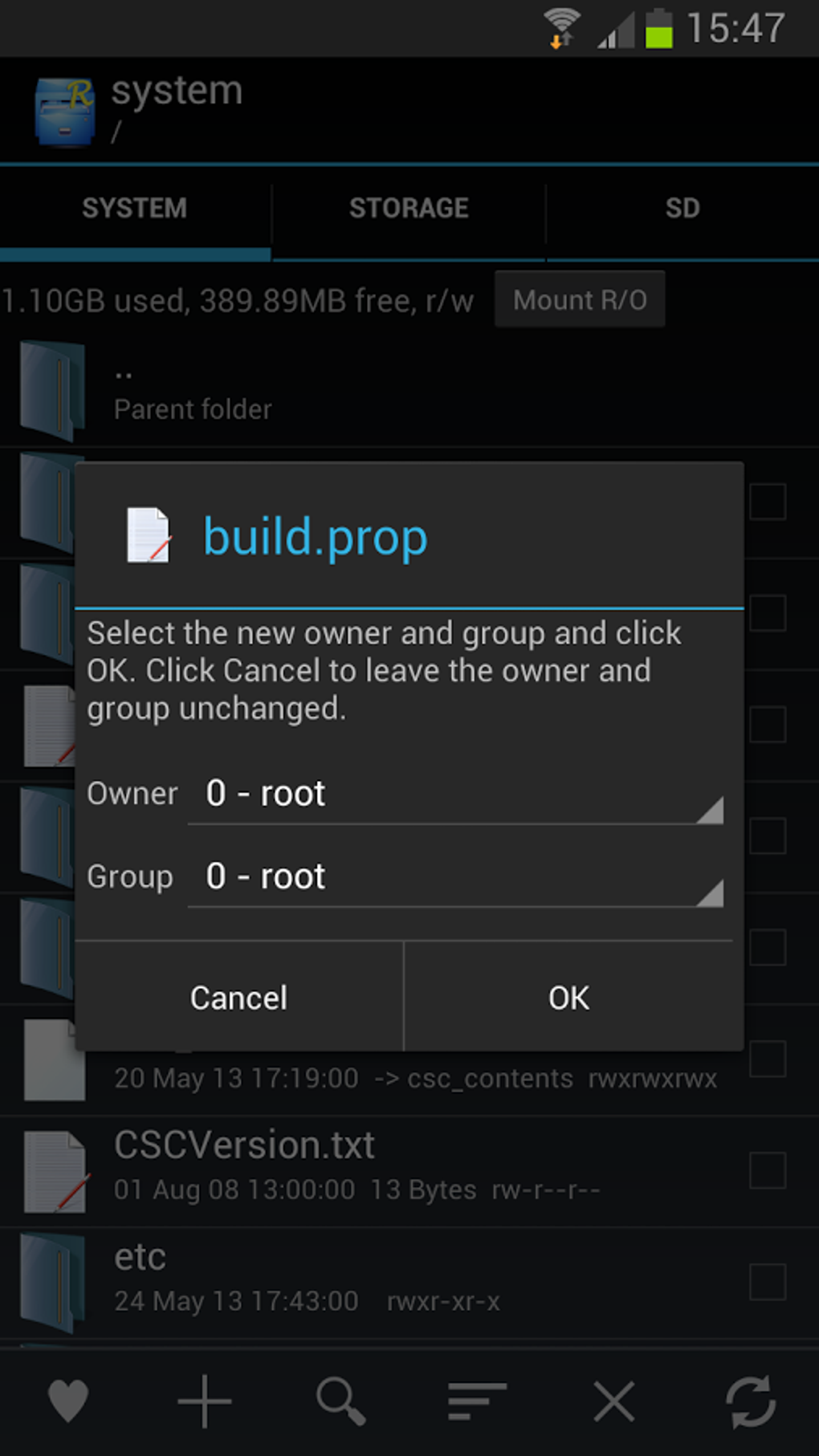
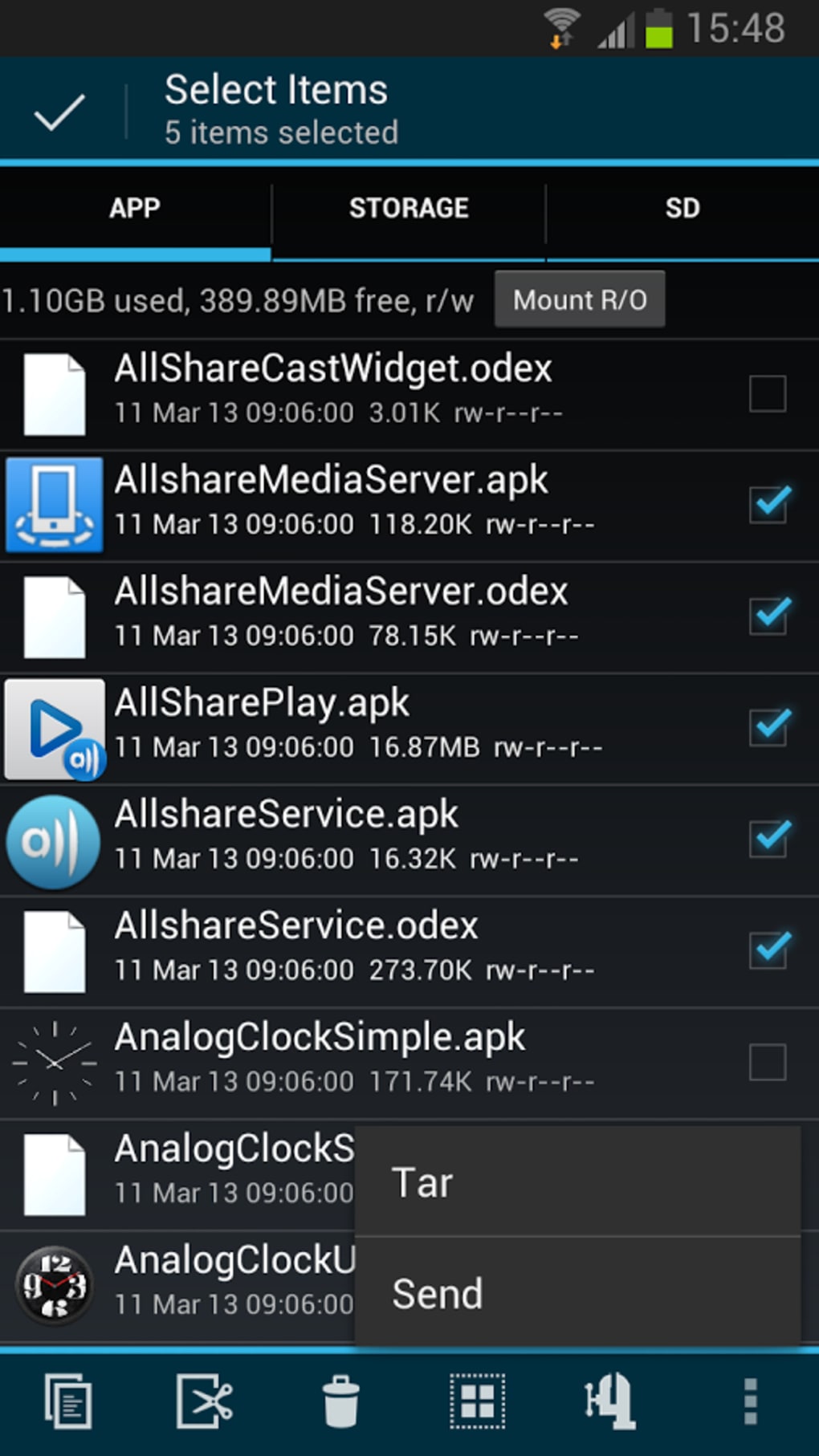
- Advanced File Operations: Supports copy, move, delete, rename, and create operations on system files, including batch processing for efficiency.
- File Preview and Editing: Includes built-in tools to preview and edit text-based files such as configuration files and scripts directly within the application.
- Backup and Restore: Enables users to create backups of critical system files and restore them when needed, reducing the risk of permanent data loss.
- Customizable Interface: Offers a user-configurable layout with options to display file details, icons, and sorting preferences for improved navigation.
- Security Safeguards: Implements protective measures to prevent accidental deletion or modification of critical system components.
These features are particularly useful in scenarios such as custom ROM installation, app data migration, and troubleshooting boot issues. For instance, a user might use Root Explorer to modify a system configuration file to resolve a performance bottleneck or to back up a corrupted app database before attempting a fix. The tool’s ability to handle complex file operations directly within the root environment streamlines workflows that would otherwise require multiple external tools.
User Interface, Workflow & Performance
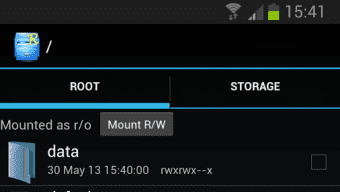
Root Explorer features a clean, structured interface designed for efficient file navigation. The layout includes a dual-pane view that allows users to compare and transfer files between directories simultaneously. Navigation is handled through a hierarchical file tree on one side and a detailed file list on the other, with quick access to frequently used folders and recent files.
The workflow is optimized for users familiar with file management concepts. While the interface is intuitive for experienced users, first-time users may benefit from on-screen prompts and tooltips that guide them through basic operations. The developer did not specify resource usage details, so performance behavior in terms of CPU or RAM consumption remains unknown. However, based on general software behavior patterns, the application is expected to operate smoothly on devices with sufficient processing power and memory.
Stability is a critical factor when managing system files, and Root Explorer appears to be designed with reliability in mind. The application includes safeguards to prevent accidental changes to essential system components. No reports of crashes or freezes were mentioned in the provided information, but general stability depends on the device’s hardware and Android version.
Compatibility & System Requirements
Root Explorer is designed for Android devices and is compatible with Android operating systems. The software version is 5.2.1, with a file size of 2.3 MB. The developer did not provide additional system requirements, including minimum hardware specifications or required Android version levels.
Compatibility information was partially provided. While the software is intended for Android, the exact range of supported devices or Android versions is not specified. Users should ensure their device has root access enabled before attempting to install or use the application. The installation size is small, which suggests minimal storage impact, but the full functionality depends on the device’s root status and system configuration.
Pros and Cons
Pros
- Full root access to system files and directories
- Intuitive dual-pane interface for efficient file transfer
- Supports advanced file operations including batch processing
- Built-in file preview and editing tools
- Backup and restore functionality for critical system files
- Lightweight installation size (2.3 MB)
Cons
- Requires rooted Android device for full functionality
- No free trial available for evaluation
- Developer did not specify system requirements or compatibility details
- Not available for non-Android platforms
- May pose risks if used without technical knowledge
FAQ Section
Is Root Explorer compatible with all Android devices?
Root Explorer is designed for Android devices, but the developer did not specify which Android versions or device models are supported. Users must have root access enabled to use the full range of features.
Is Root Explorer safe to use?
The software includes security safeguards to prevent accidental modification of critical system files. However, improper use may lead to system instability or data loss. Users should exercise caution when editing system-level files.
Does Root Explorer require a paid license?
Yes, the software is priced at $4.99. There is no free trial available, so users are purchasing without prior access to the full feature set.
Can I use Root Explorer without root access?
Root Explorer is specifically designed for rooted Android devices. Without root privileges, the application will have limited functionality and may not operate as intended.
Is Root Explorer updated regularly?
The release date is listed as 2024-03-15. No information was provided about update frequency or future development plans.
Final Thoughts + CTA
Root Explorer stands out as a powerful tool for Android users with root access who need advanced file management capabilities. Its ability to navigate and modify system files directly makes it indispensable for developers, custom ROM enthusiasts, and those engaged in deep device customization. While the lack of a free trial may deter some users, the software’s focused functionality and lightweight design justify its price for the target audience.
For users seeking a reliable, feature-rich file manager with root-level access, Root Explorer offers a compelling solution. Its intuitive interface and robust feature set streamline complex file operations, making it a top choice in its category. However, it is not suitable for casual users or those without root privileges.
Download Root Explorer now





.png)

